
Free Elementor Add-on WordPress 6.0+

Intellinez Pricing Tables for Elementor

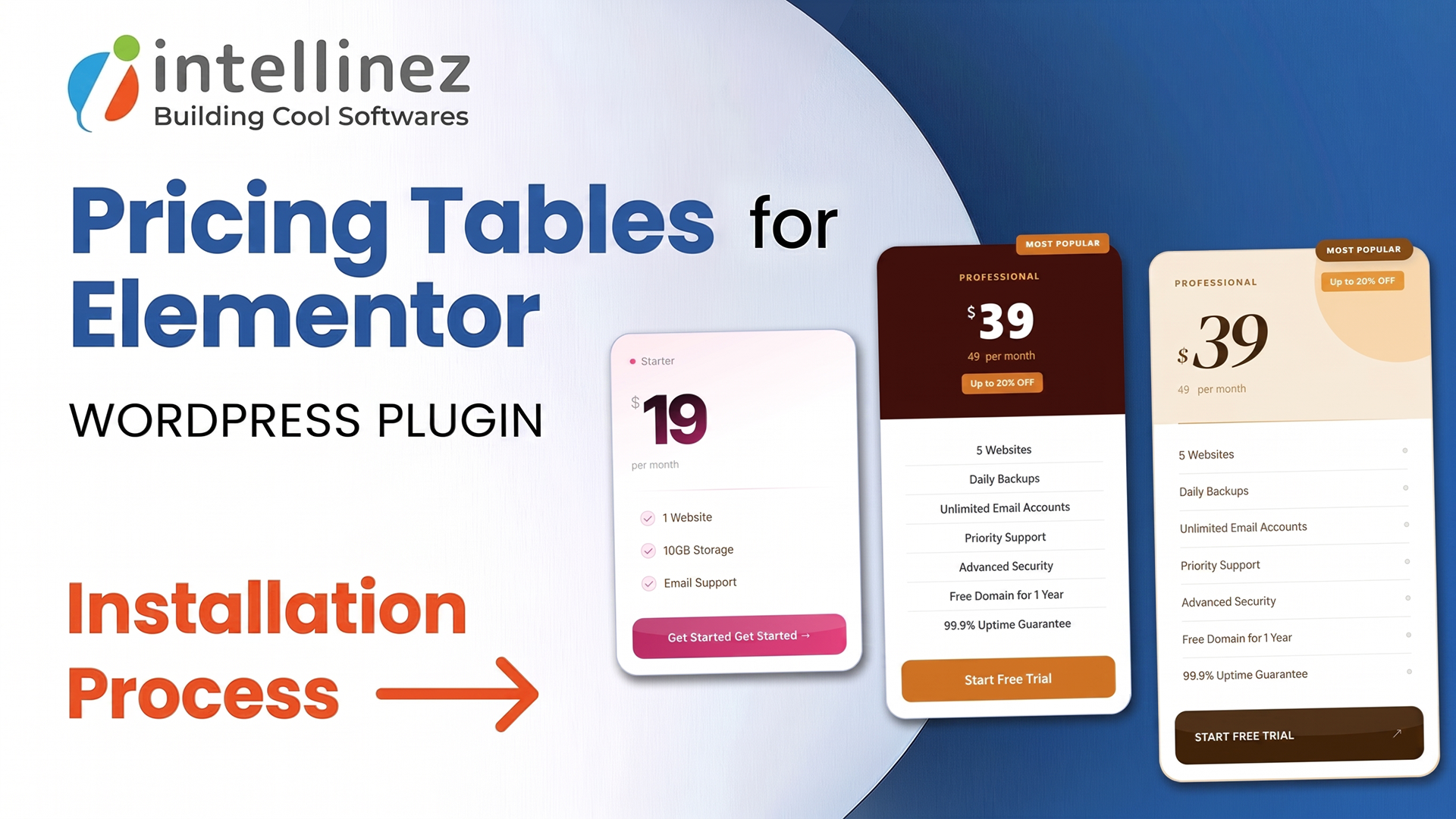
A powerful and flexible pricing table widget for Elementor. Build modern pricing sections with seven contemporary designs, four legacy presets, discount pricing, ribbon labels, and deep styling controls — no coding required. 123

  • Seven Modern + Four Legacy Designs
  • Five Built-In Color Themes
  • Discounted Pricing, Ribbons & Currency Controls
Free
Intellinez Pricing Tables for Elementor

Pricing Pages That Actually Convert

Pricing pages make or break a conversion — yet building one that looks professional in Elementor usually means custom CSS or a bloated multipurpose kit. Intellinez Pricing Tables for Elementor solves this with a dedicated pricing widget offering seven modern designs and four legacy presets, so you can build SaaS, service, membership, or hosting pricing pages without writing a single line of code.

Key Features New

Seven Modern + Four Legacy Designs

Choose from seven contemporary pricing card designs (Design 1–7), or four legacy presets — Classic, Top Header, Feature Column, and Bold — to match any use case.

Five Built-In Color Themes

Switch between five ready-made color themes, or style every section — card, heading, price, features, button, and ribbon — to match your brand exactly.

Discounted Pricing, Ribbons & Currency Controls

Show original and sale prices side by side with discount badges, add "New," "Popular," or "Best Seller" ribbon labels, and set custom currency symbols and billing periods.

Built for Every Pricing Use Case

Purpose-built for SaaS products, services, memberships, and hosting plans — drop it onto any page and adapt it to your offer.

Optimized, Lightweight Performance

Loads only the CSS required for the design you choose, via Elementor style dependencies, keeping pages fast and Core Web Vitals healthy.

Fully Responsive by Design

Every pricing table is styled entirely within Elementor's responsive editor, so it looks right on desktop, tablet, and mobile.

How to Install Intellinez Pricing Tables for Elementor

  1. Install the plugin from your WordPress admin via Plugins → Add New (search "Intellinez Pricing Tables"), or upload the plugin folder to /wp-content/plugins/.
  2. Activate the plugin from the Plugins menu.
  3. Make sure Elementor is installed and active.
  4. Edit any page with Elementor and search for "INTLZ Pricing Table" in the widget panel.
  5. Drag the widget onto your page, choose a design and color theme, add your plans - and publish.

Requirements

  • WordPress 6.0 or higher
  • Elementor (free version) installed & active
  • PHP 7.4 or higher

Frequently Asked Questions

Is Intellinez Pricing Tables for Elementor free?

Yes. The plugin is completely free and available on the official WordPress.org plugin directory.

Does this plugin require Elementor?

Yes. Elementor must be installed and active on your site.

Does it require Elementor Pro?

No. It works with the free version of Elementor.

Can I style each section separately?

Yes. You can style the card, heading, price, features, button, and ribbon sections independently, with separate normal and hover states.

Where can I get support?

Through the plugin's support forum on WordPress.org.

Built by Intellinez Systems

Intellinez Pricing Tables for Elementor is built and maintained by Intellinez Systems — a software product engineering company that builds cool software, from enterprise platforms to WordPress tools.

Free
Visit Support Forum